Bloomtasks
A full-stack personal productivity app with AI-powered scheduling, built for students who have a lot going on.
Bloomtasks is a personal productivity web app built from scratch: a cozy, intuitive planner that replaces scattered Google Sheets and sticky notes with one unified space for tasks, calendar, focus sessions, and AI-optimized scheduling. It features a full authentication system, real-time Supabase database sync, a multi-view calendar, Pomodoro focus timer, daily task tracking, Excel/Google Calendar import, and a stochastic multi-agent scheduling engine that models cognitive energy as a dynamical system to automatically re-route your day before burnout hits.
The goals
- ✦Replace a messy Excel to-do tracker with a beautiful, functional productivity OS built for real student life
- ✦Make task and calendar management genuinely intuitive, with no learning curve and no ugly UX
- ✦Apply ML and stochastic modeling to turn a static planner into a dynamic, adaptive scheduling system
- ✦Ship a production-ready full-stack app solo, end to end
What I did
- ✓Built a full authentication and data layer from scratch: Supabase Auth with email confirmation and session persistence, row-level security across 5 normalized tables, and real-time optimistic UI sync
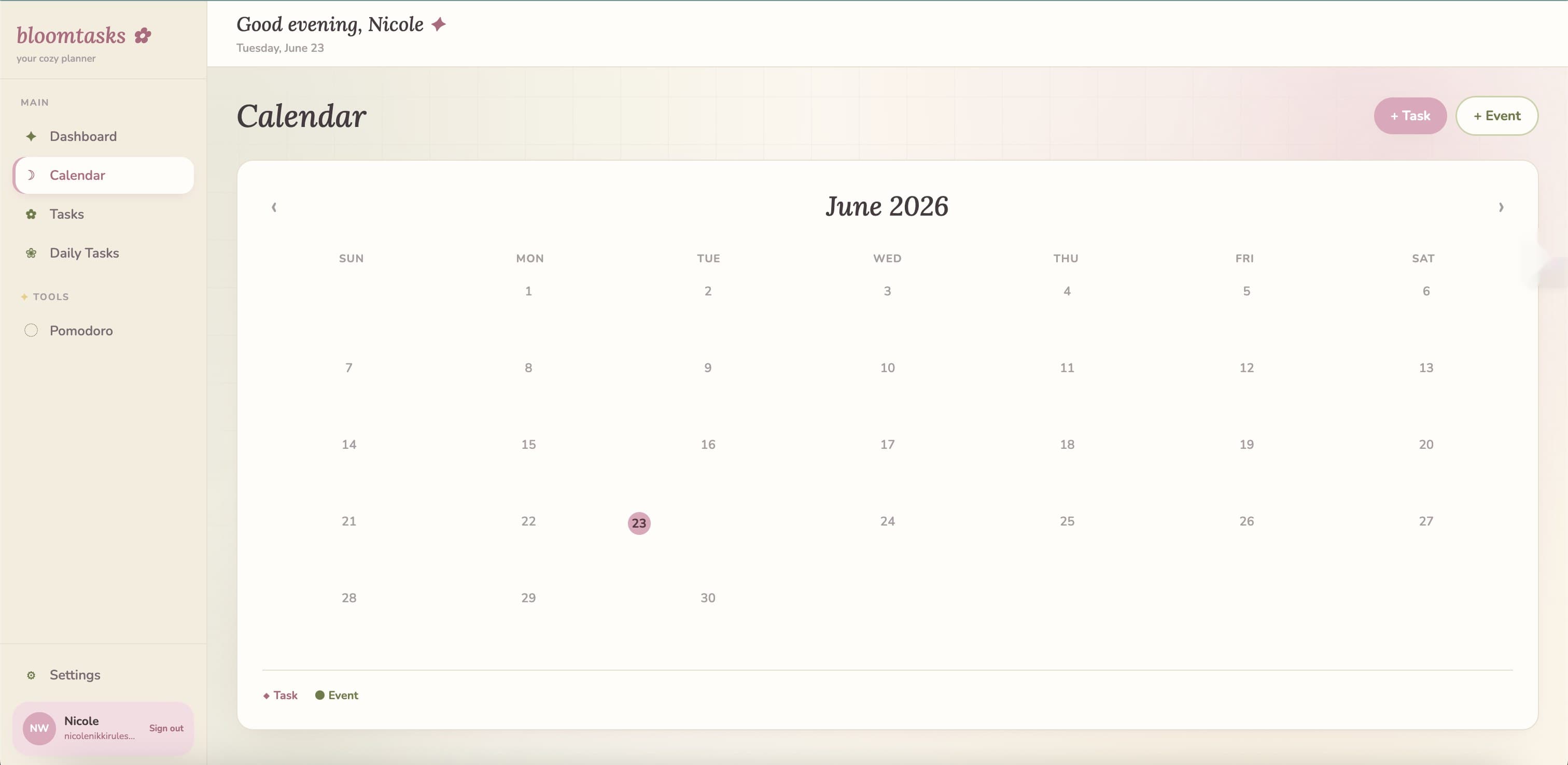
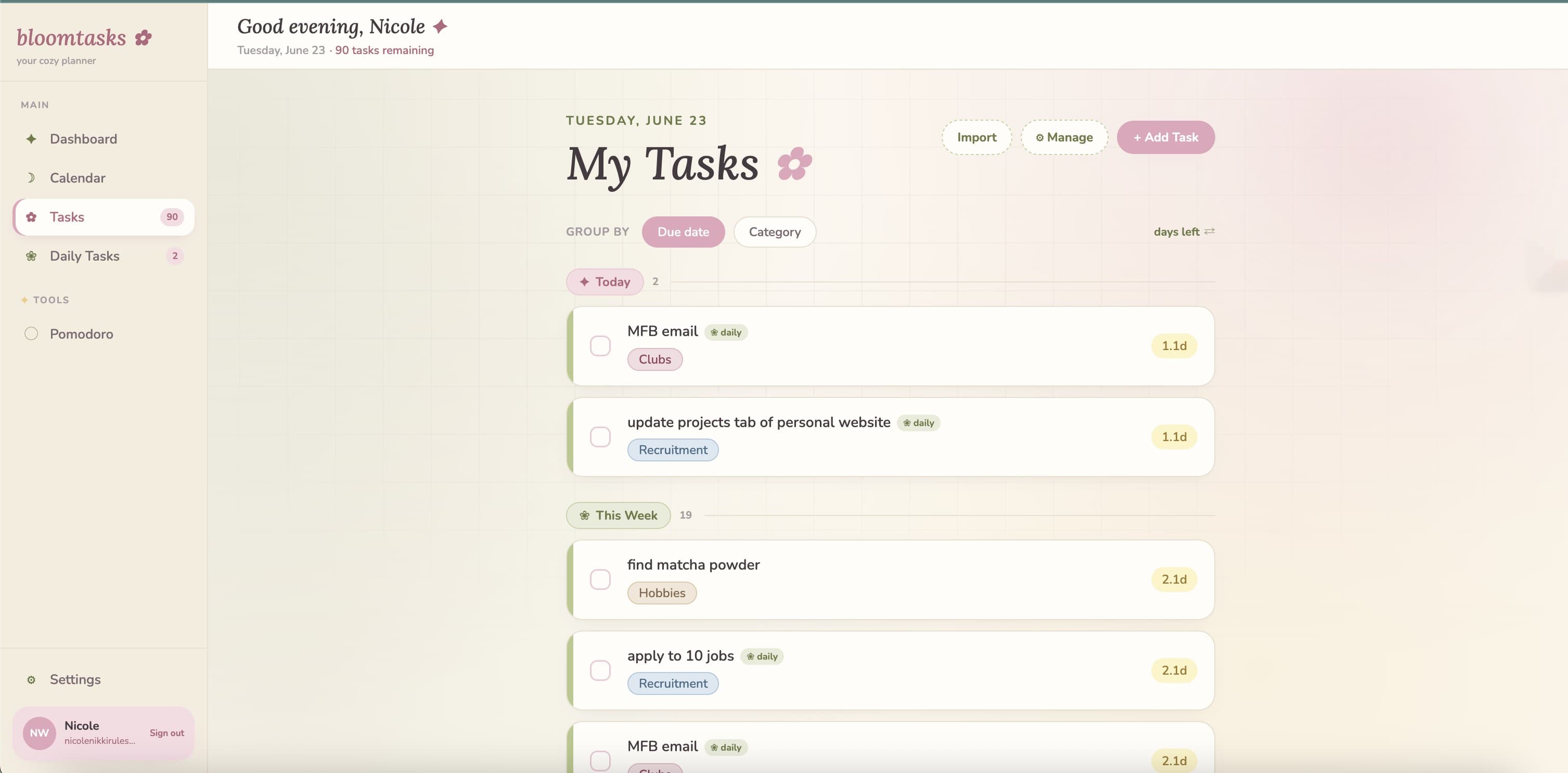
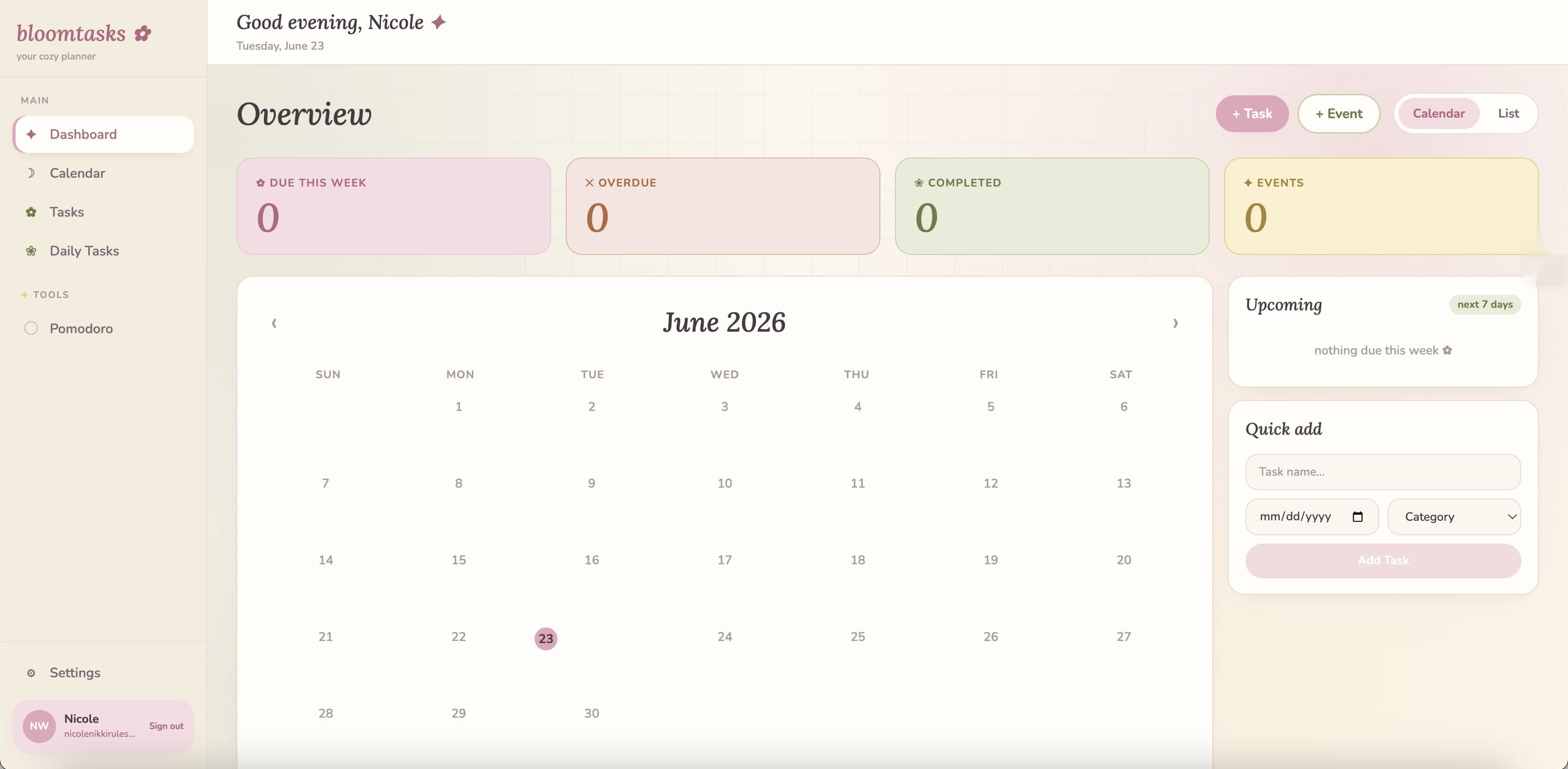
- ✓Designed an intuitive task and calendar system, including a multi-view calendar, sortable card-based task list with custom pastel categories, and a dashboard with live stat cards and a one-click Quick Add widget
- ✓Engineered Excel and Google Calendar import pipelines with fuzzy column matching and keyword-based task/event classification, so existing planners migrate in seconds with zero manual reformatting
- ✓Shipped a stochastic AI scheduling engine that models cognitive energy as a dynamical system with multiplicative noise and a Random Forest layer, predicting burnout and automatically re-routing the day before it hits
What's inside
Authentication & data
Supabase Auth (email + password, confirmation email, session persistence) · Row-Level Security on all tables · 5 normalized tables: tasks, events, categories, task_types, event_types · Real-time optimistic UI updates
Dashboard
Live stat cards · Monthly calendar grid · List view · Quick Add widget · Motivational quote banner · Upcoming tasks panel (next 7 days)
Tasks
Card-based task list · Due date + category sort · Urgency color system · Inline edit · Completed section collapse · Duplicate task · Notes indicator · Category pills
Import
Excel (.xlsx/.xls/.csv) fuzzy column parser · Google Calendar iCal (.ics) import · Auto-category creation from imported data
Focus tools
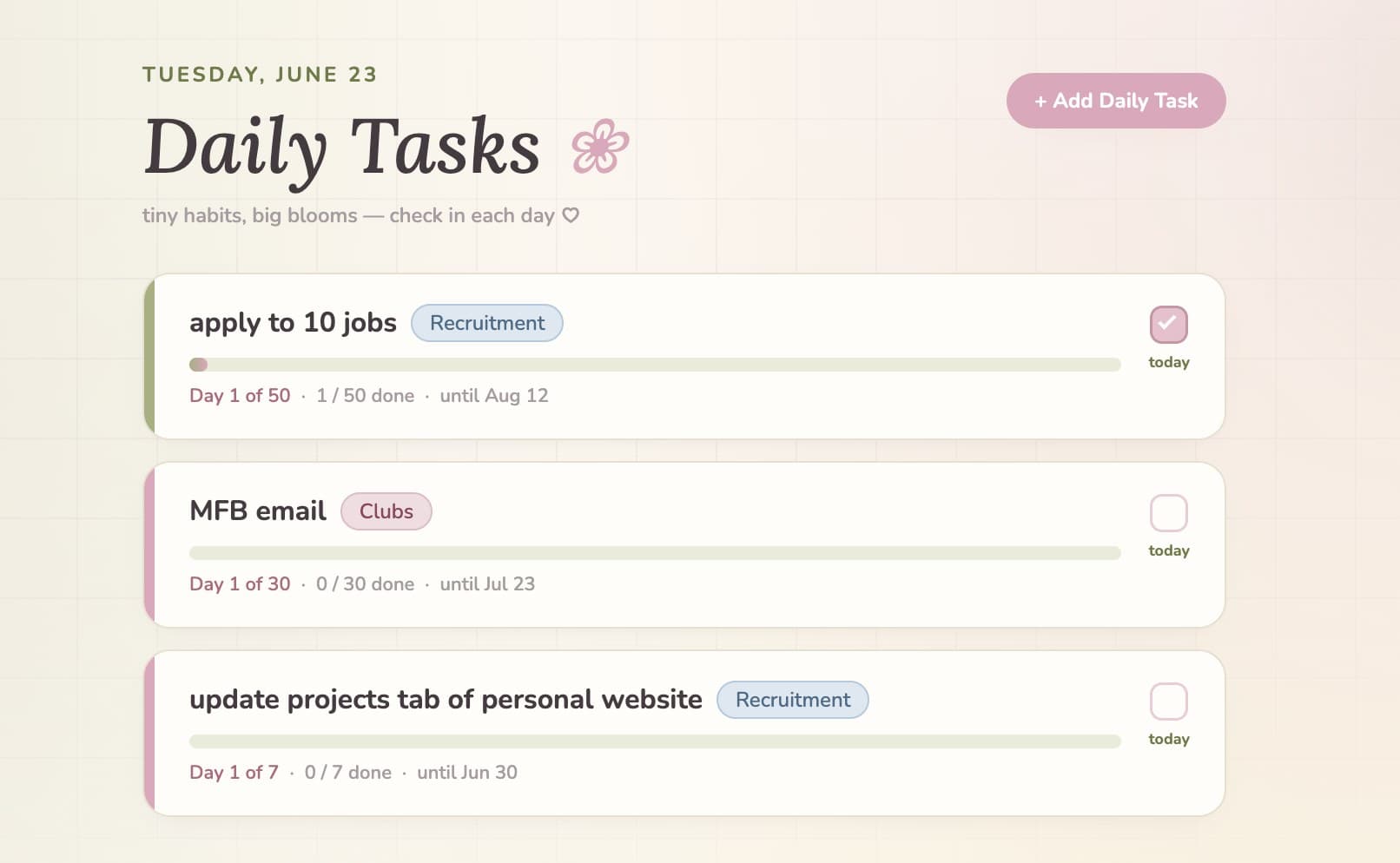
Pomodoro timer (25/5) · Daily Tasks checklist · AI schedule optimizer
AI scheduler
Stochastic energy modeling · Burnout prediction · Dynamic schedule re-routing · Random Forest productivity regression · Venmo + Google Sheets micro-transaction automation
The AI scheduler: how it works
Standard calendars assume you operate at 100% capacity all day. Bloomtasks doesn't.
The scheduling engine treats your time and energy as variables in a stochastic dynamical system, not fixed blocks. It applies principles from non-independent multiplicative noise modeling (EECS 127) to simulate how cognitive load accumulates across your scheduled tasks, predicting "stability thresholds": the points at which sustained deep work tips into burnout.
When the model detects an approaching threshold, it automatically re-routes your schedule: splitting dense task blocks, inserting recovery buffers, and front-loading high-complexity work into predicted peak-energy windows (typically morning).
A Random Forest Regression layer learns from behavioral signals like sleep variance, skipped workouts, and back-to-back meeting density to predict how routine disruptions cascade into weekly productivity loss. It quantifies the cost of "sleeping 30 minutes less" in terms of estimated task completion time, not just vague advice.
Automated financial micro-tracking runs in parallel: Venmo API and Google Sheets API integration logs productivity-linked micro-expenses and splits automatically, so time spent on financial admin drops to zero.
Live impact
Tools & skills
The results